A stylist’s guide to spring’s best statement dresses

Sinead Keenan

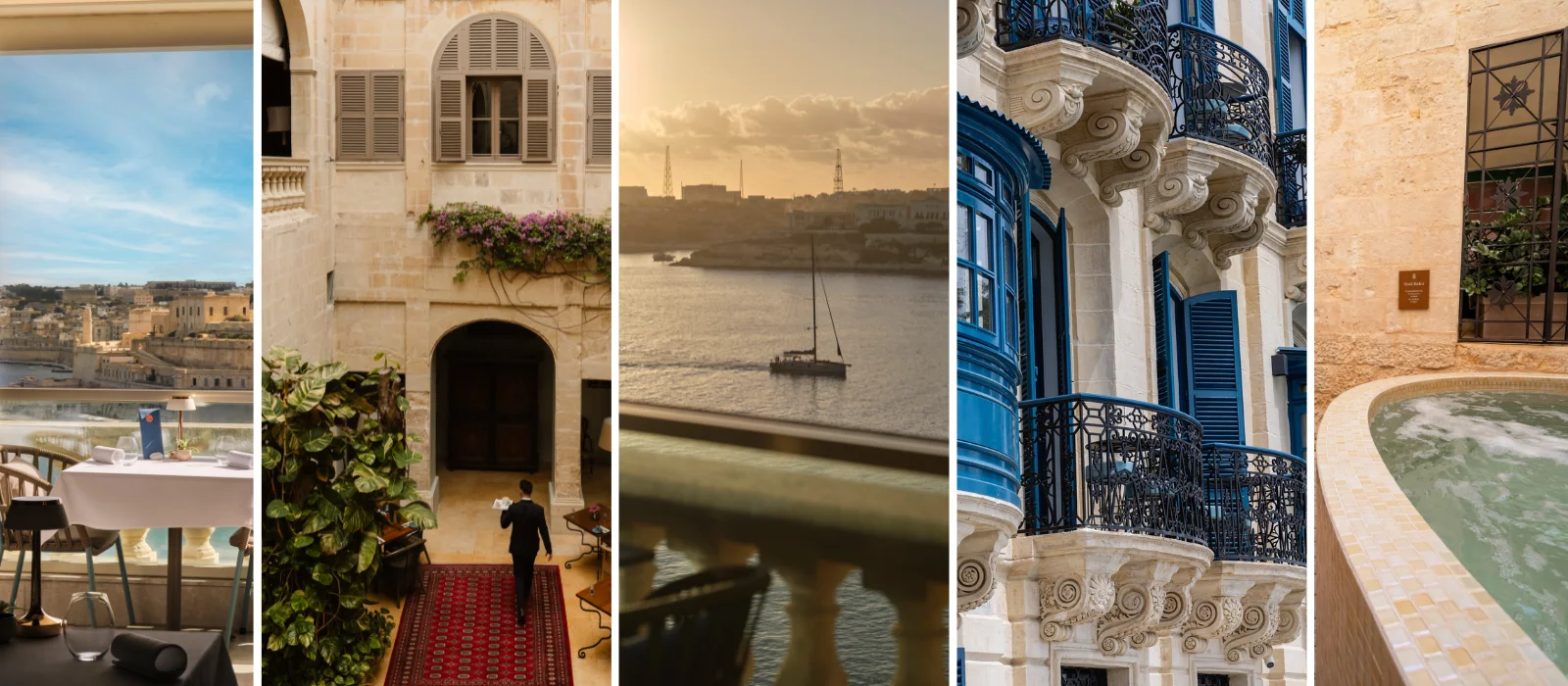
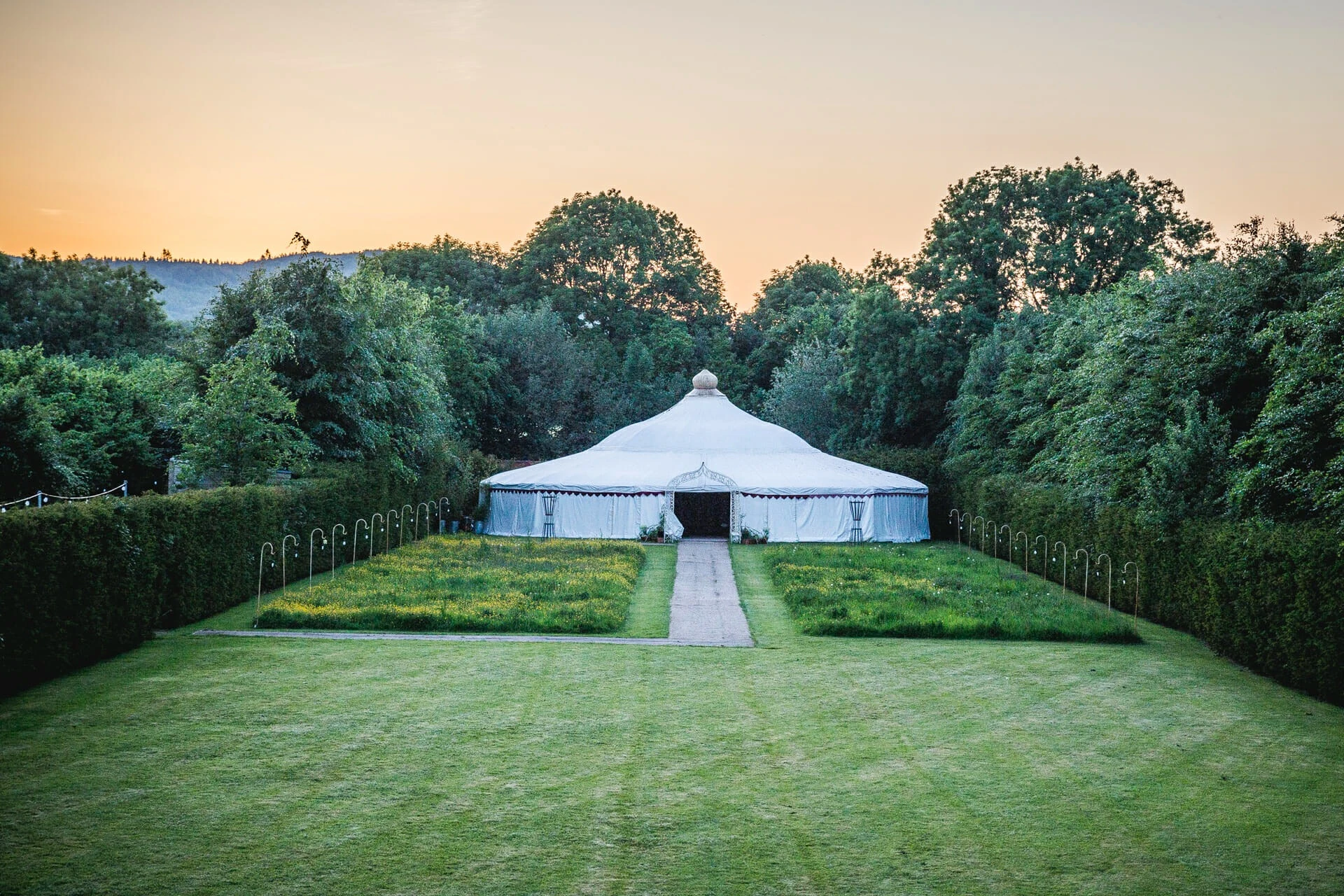
This Wicklow wedding venue provides a picture-perfect backdrop to your big day

IMAGE

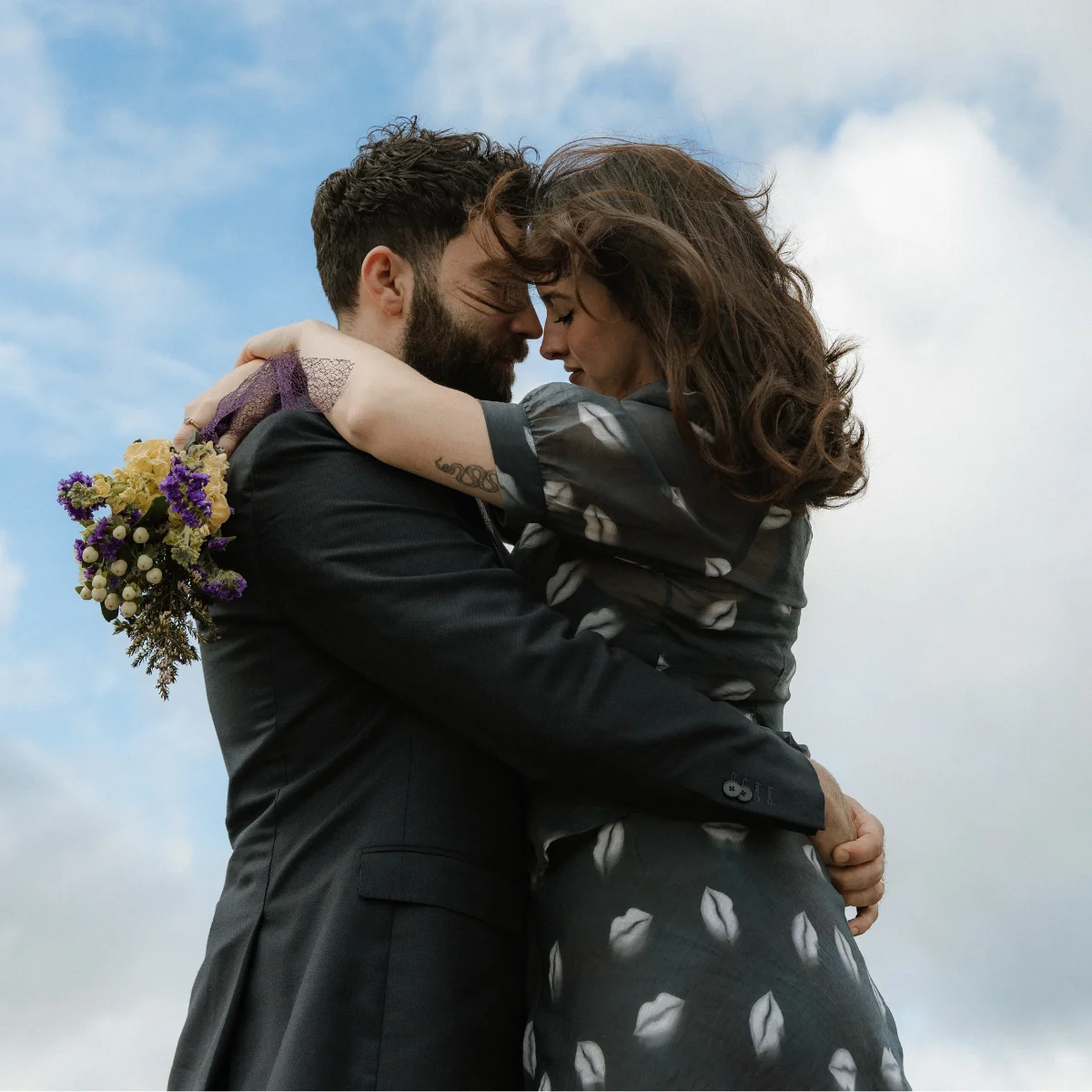
Real Weddings: Leo and Deb’s cross-cultural Dublin wedding full of joy

Jennifer McShane

A stylist’s guide to silk scarves, this season’s ultimate styling hero

Sinead Keenan

6 ways to master the 2026 IMAGE PwC Businesswoman of the Year Awards

Leonie Corcoran

WIN three pairs of sold out weekend tickets for WellFest 2026

IMAGE

How women in midlife can reset their relationship with their phones

Ciara Elliot

Siobhán McAuley on belonging, identity and raising a kinder Ireland

Roe McDermott

Ask Áine: What AI really means for work in 2026

IMAGE

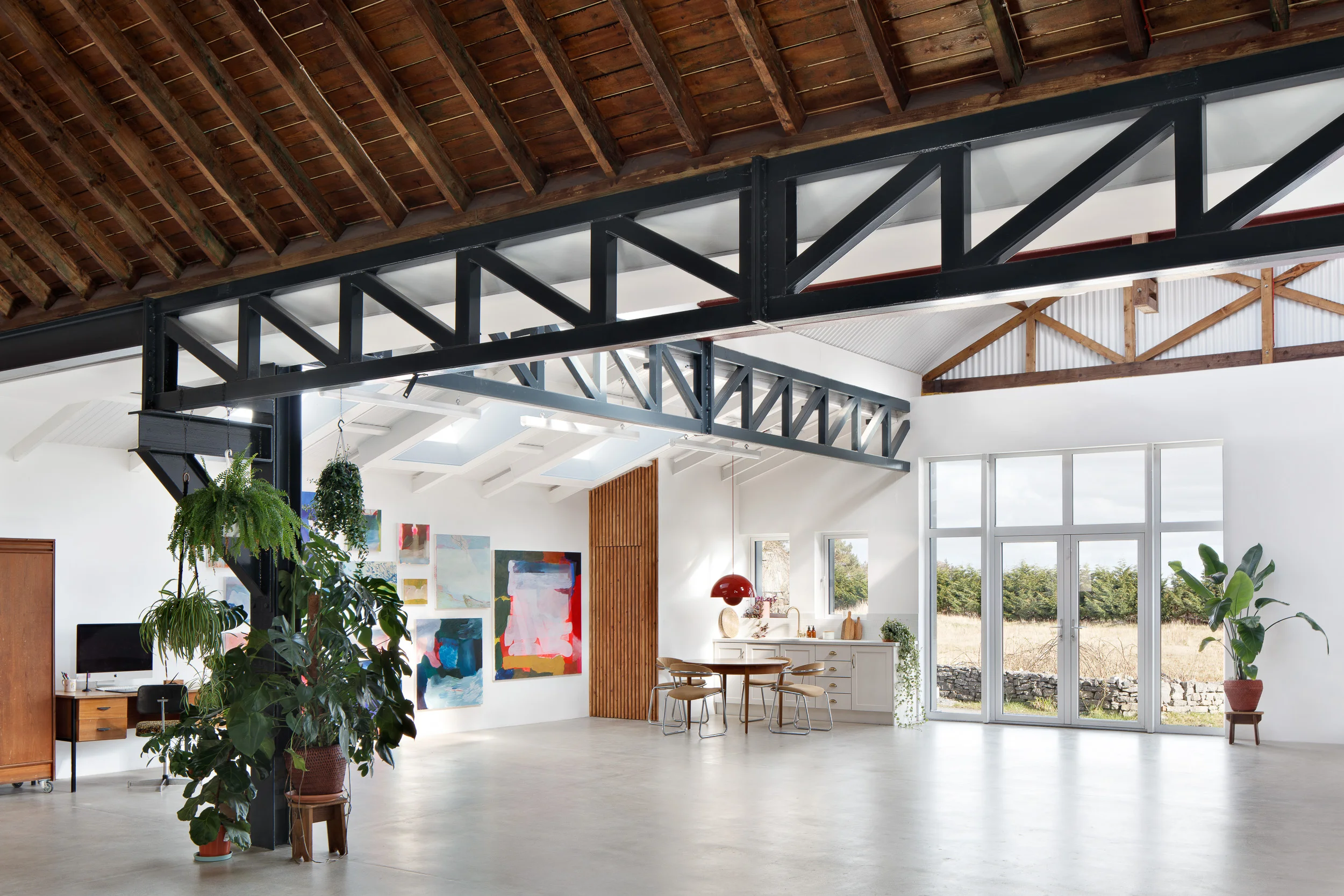
Inside this enchanting four-bedroom Wicklow cottage complete with a Shomera studio

IMAGE

Image / Editorial

Instagram Introduces Changes To Make Your Social Media Life Easier


By Jeanne Sutton
28th Aug 2015
Instagram Introduces Changes To Make Your Social Media Life Easier

Listen, we love our Instagram app. We know the fact we can make buckwheat pancakes look less overcooked thanks to a filter named after a side label Zara haven’t announced yet. However, we do get a little bit droopy faced when the limitations of the photo app means we have to crop something, or someone, out of a stellar photo so as to fit within the square confines, As William Goldman wrote in his novel The Princess Bride, ?Life isn’t fair, it’s just fairer than death, that’s all.?

However, today is a day for rejoicing and trumpets. In a blog post entitled ?Thinking Outside The Square?, Instagram announced it would now support landscape and portrait shots. Square photos will still remain the default option and your own personal page will still be laid out with a checkboard of squares, but other orientations will co-exist alongside the typical posts.

Today, we’re excited to announce that – in addition to square posts – you can now share photos and videos in both portrait and landscape orientation on Instagram. Square format has been and always will be part of who we are. That said, the visual story you’re trying to tell should always come first, and we want to make it simple and fun for you to share moments just the way you want to. When choosing a photo or video, you can now tap the format icon to adjust the orientation to portrait or landscape instead of square. The full-sized version will show up in feed in a beautiful, natural way. To not disrupt your profile grid, your post will appear there as a center-cropped square. We’re especially excited about what this update means for video on Instagram. All filters will now work on both photos and videos, and you can now adjust the intensity of filters on videos, too. To learn more about the changes in today’s update, check out blog.instagram.com. Instagram for iOS version 7.5 is available today in Apple’s App Store, and Instagram for Android version 7.5 is available today on Google Play.

A video posted by Instagram (@instagram) on

How will this change your social media life? Landscape shots won’t need to be cropped and can be shared in their landscape glory. All the J.W. Turner’s of Instagram are no longer being held back. Also, all those too-close-up-for-a-Monday selfies can be pared back to a portrait setting. The biggest boon so far in this change is almost certainly for video. Trailers for movies and high-end production videos will be shown in the way they were meant to be. Star Wars even got in the sharing and testing mode yesterday.

There has been an awakening… #StarWars #TheForceAwakens

A video posted by Star Wars (@starwars) on

And how can you start editing your images in the new way Instagram intends? As you put a photo through its editing?paces, there is a little icon on the bottom left-hand angle that helps you adjust the photo to its organic origins. The app has also added some new filters: Clarendon, Gingham and Moon. Now, go forth and flood your feed with beauty, or brunch.